
Website for a Photographer or Videographer in Australia
A photographer's site fails when the work is hard to see. Here's what it needs — a portfolio organised by client need, fast images, and easy enquiry.
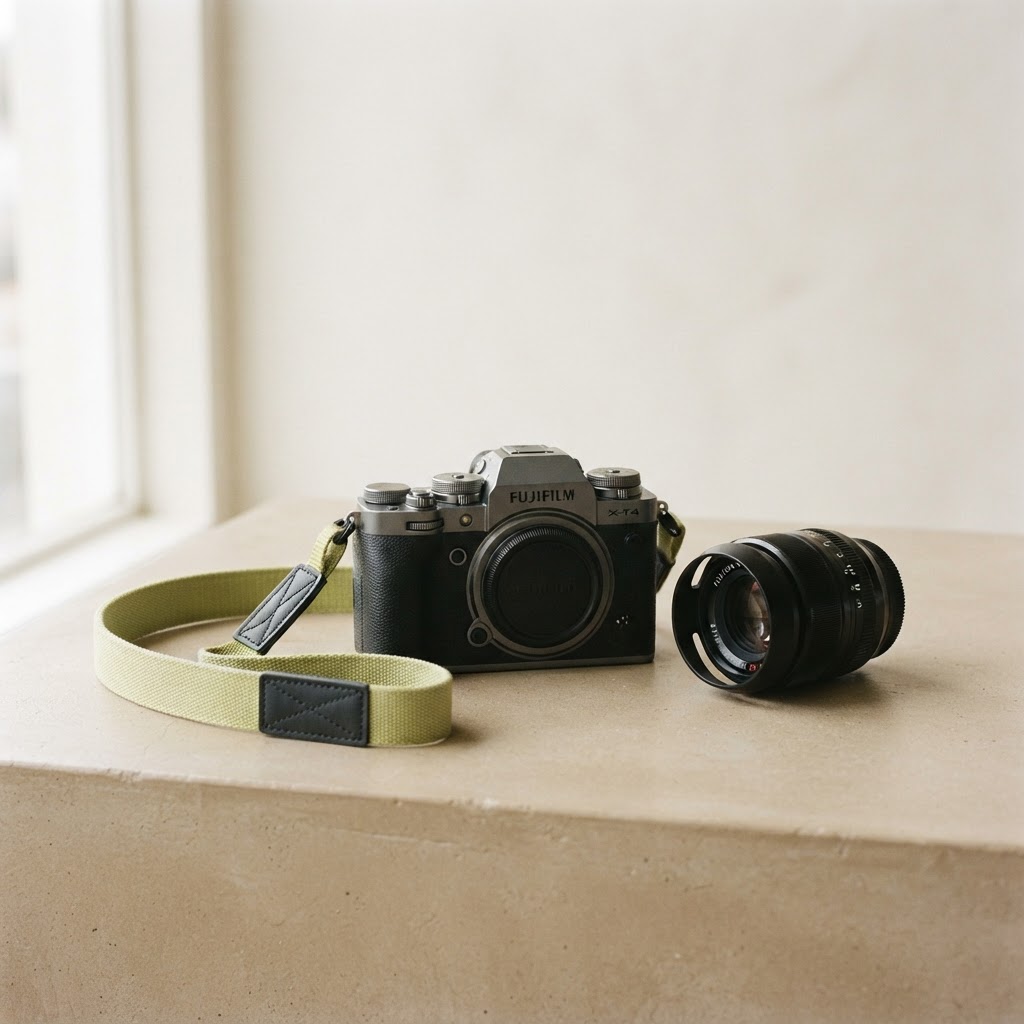
A photographer's site that doesn't show your work is pointless
This should be obvious, and yet: the most common failure on photographer and videographer websites is that the work is hard to see. Galleries that load slowly, images that are too small, portfolios organised in a way that makes sense to the photographer but not to a client ("2019 weddings", "2020 weddings" — nobody cares about the year). A potential client wants to see whether you can shoot the thing they need, fast, and then book you. Everything else is in the way.
Here's what a photographer or videographer site actually needs.
The portfolio, organised by what clients hire you for
Organise your work the way a client looks for it: "weddings", "families", "brand and product", "real estate", "events", "video". Not by year, not by personal project. A client looking for a wedding photographer wants to land on a wedding portfolio in one tap and see twenty strong images, fast. The organisation is the difference between a site that books and one that bounces.
Images that load fast and look good
Photographers have a specific problem: large, beautiful images that take forever to load. A potential client on a phone in a cafe won't wait. Your images need to be optimised — large enough to show your work, compressed enough to load fast. This is a technical detail that quietly loses you clients if it's wrong. A stunning portfolio that loads in eight seconds loses to a good one that loads in one.
Packages and pricing, or at least a starting point
Photography sites that hide all pricing lose enquiries to the ones that don't, because the assumption is "too expensive for me". You don't need to list every package, but a starting point ("weddings from $X", "brand sessions from $Y") saves the enquiry that most clients would rather not make. It also filters out the people who aren't your client, which is a feature, not a bug.
Make booking an enquiry easy
The enquiry is the whole point. A short form — what they need, when, how to reach them — and a clear "check availability" button. The friction of "email me to enquire" loses clients who'd happily fill a form. (More on this: how to get more leads from your website.)
Local search matters, especially for events and real estate
People search "wedding photographer [suburb]", "real estate photographer [suburb]", "family photographer [suburb]". The photographers who show up are the ones structured for it. A site with portfolio pages and location content books more than one that doesn't. We wrote the diagnosis: why your website isn't getting any customers.
The pages a photographer site needs
A homepage with your strongest work and an enquiry button. A portfolio, organised by type. A pricing/packages page (or a starting-points page). An about page — clients hire a person, not just images. A contact page. That's the spine. (How many pages: how many pages a small business website should have.)
What to skip
Slideshows that autoplay. Music. A portfolio organised by year. Password-protected galleries that a new client can't open. Anything that puts a barrier between a potential client and your work. A photographer's site should load fast, show the work clearly, and make enquiry one tap.
What it costs
A proper photographer site — fast, portfolio-led, structured for search — sits below what most photographers assume. The numbers: how much a website costs. For a photographer, it pays for itself in one or two bookings.
See yours before you pay
Pick a style below, tell us about your work and your area, and we'll mock up your site for free — no payment, no obligation. You'll see whether the version of your portfolio we'd put online is the one that books the client.